
Do eufy Security Cameras Need a HomeBase?
Yes — and That Is the Good News
It is the first question worth answering before you buy, because it decides where your footage lives and whether you pay every month for it.
Short answer: yes. eufy cameras talk to a HomeBase, not straight to your Wi-Fi. Ring and several others skip the base and join the network directly. Neither approach is wrong, but they are genuinely different systems and the difference shows up on your bank statement.
Where the Footage Lives
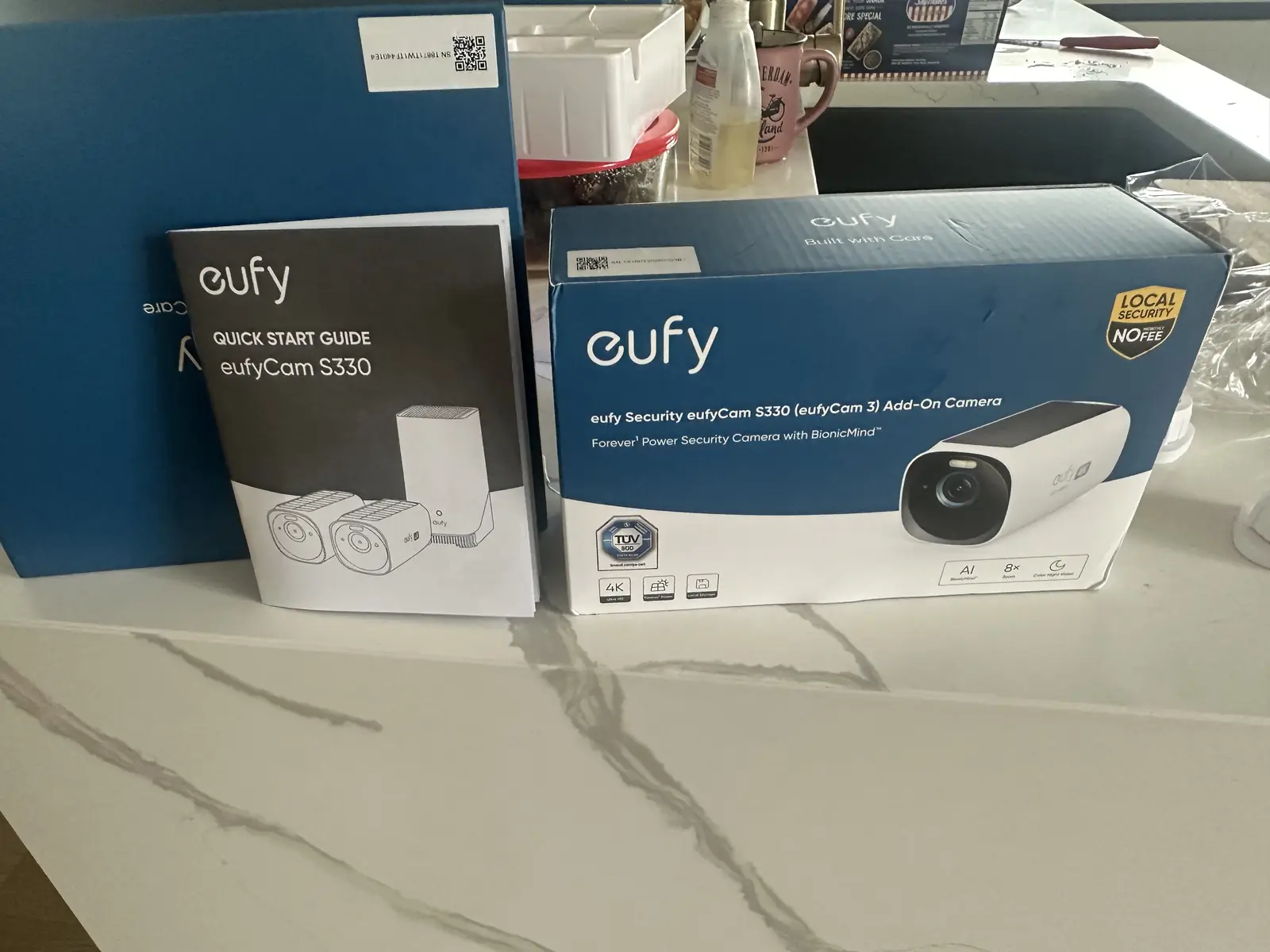
The HomeBase is not just a radio bridge. It is also the storage — think of it as a hard drive sitting in your hallway. The recordings stay in the house, which is why there is no monthly fee. With a cloud-based camera the footage goes to the manufacturer's servers instead, and keeping it there is what the subscription pays for.
So the practical version of the question is not "do I need a HomeBase" but "do I want my footage at home with no monthly cost, or in the cloud with one". If you have already bought a eufy kit, the base is in the box and the decision is made.
The Second Question: How High Do They Go?
This is the one that changes the price, and it gets asked before any number is quoted. Anything reachable from a ladder is one person and a couple of hours. Cameras going up at second-floor level need scaffolding and someone on the ground — a different day and a different cost.
This house has two storeys, but all three cameras were going above doors at ground-floor level. Ladder work. That is how the job stayed at $180 + GST for the labour, with the owner supplying the gear.
Solar Cameras Still Need Charging First
This one catches people out. These cameras have a solar panel on top, so the assumption is that you mount them and the sun does the rest. Solar keeps a battery topped up over time — it does not fill an empty one, and a camera mounted flat against a wall will take a long while to get there on its own.
All three were charged from a wall plug before they went outside. A few minutes on the bench is the difference between a system that works tonight and one that half-works for a week.
Pair the Base Before You Climb the Ladder
Order matters. The app goes on the phone, the HomeBase gets paired, then each camera is joined to the base and checked — all of it on the bench. Only then does anything go up a wall. Carrying a camera up a ladder before you know it talks to the base is how you end up making the trip twice.
A Nice Problem to Have: No New Holes
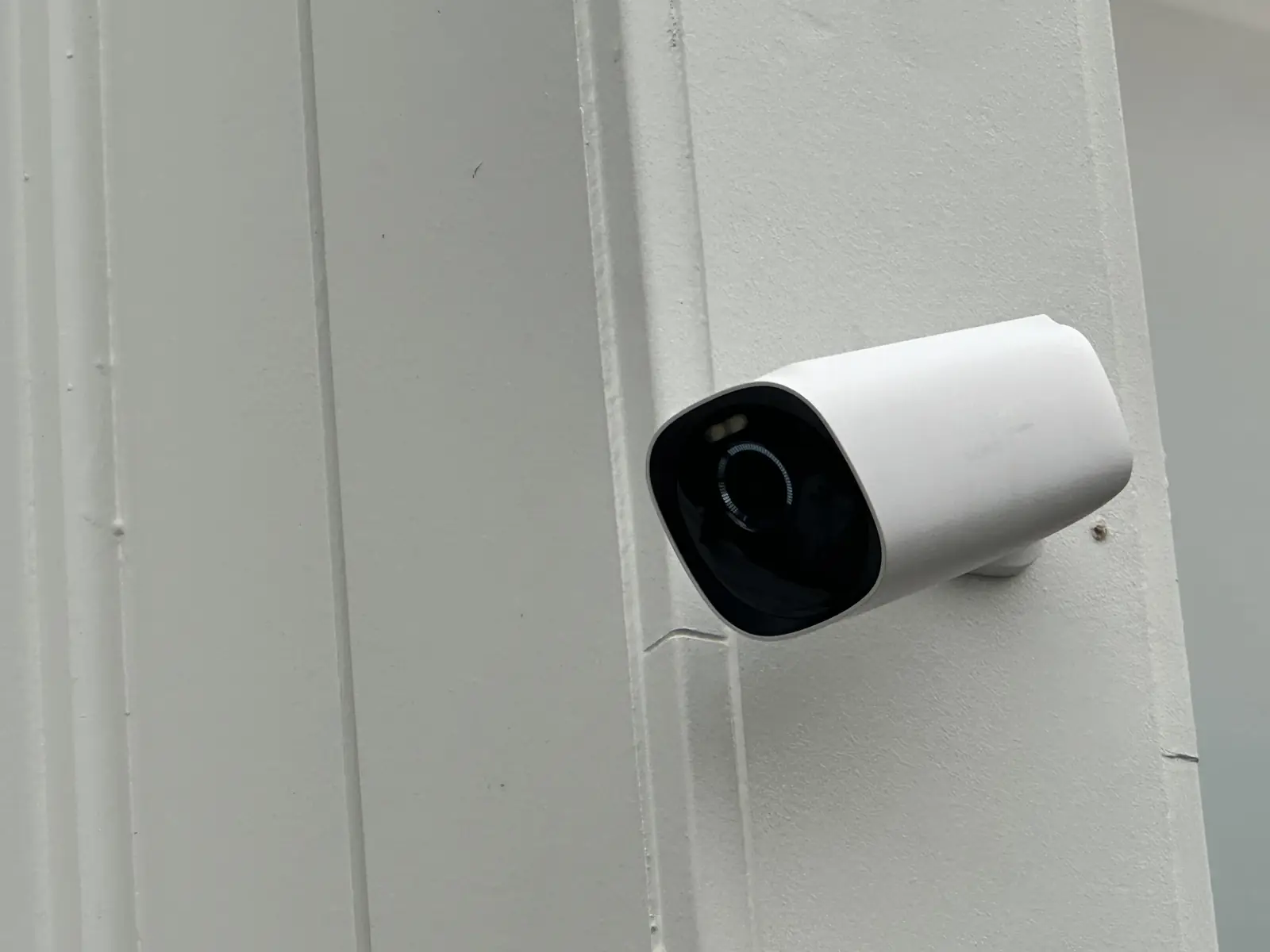
Whoever lived at this house before had cameras on the same walls. They unscrewed them when they left and siliconed the holes so the cladding stayed weathertight. Those holes lined up with the new brackets, so the old silicone came out and the brackets went back into existing fixings. Nothing new was drilled into the cladding at all.
That will not always be the case. Where new holes are unavoidable they get sealed properly — the cladding keeping water out matters more than the camera does.
Three cameras, two and a half hours, $180 + GST. See the full project →
You May Also Need
Bought Cameras and Need Them Up?
Tell us the brand and how high they need to go — that is enough for a straight price.
Request a Tech & Security Quote
Three details are enough. We’ll call or message to discuss the rest.
Thanks — your request has been sent.
Rinat will call or message to discuss the job and cost.